
mailmock 0.2 is out — an SMTP catcher that spots dodgy mail
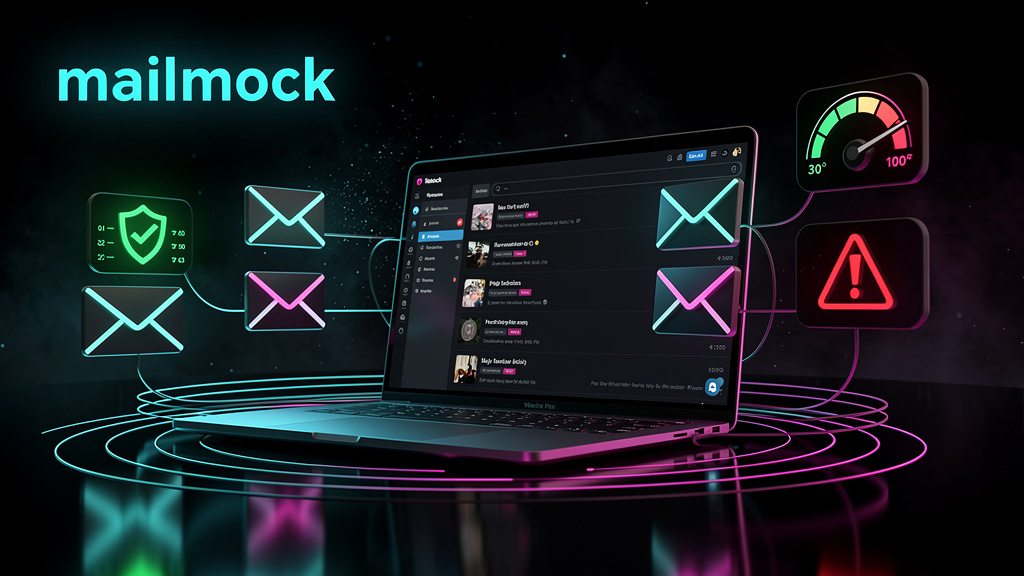
I built mailmock several years ago to solve a small, recurring dev annoyance: I want to see the email my app sends without wiring up a real mail server — and I want it to be obvious when something’s off. It captures SMTP locally and shows every message in the browser, with an analysis layer on top.
Recently I added a few more security-oriented features and gave it some polish — that’s what 0.2 is about.
Catch mail, deliver nothing
Point your app’s SMTP client at mailmock (plain port, no TLS, no auth) and every message is captured, parsed and shown in the browser. Nothing is delivered anywhere. It’s a single-tenant tool meant to run in your own environment.
The Analysis tab
This is the part I actually wanted. Every captured message is analyzed asynchronously across three dimensions:
- Spam — a 0–100 score with a level and the reasons that pushed it up (keywords, ALL-CAPS, too many links, header anomalies).
- Spoofing — PASS / SUSPICIOUS / FAIL from header heuristics:
FromvsReturn-Path/ envelope mismatch, display-name spoofing,Authentication-Resultsfailures, punycode look-alike domains,FromvsReply-Todivergence. - Virus — CLEAN / SUSPICIOUS / INFECTED from attachment scanning: the standard EICAR test signature and risky extensions.
The built-in analyzers are heuristic and run in-process — no external services, so the tab is always populated. If you want the real thing, enable ClamAV (virus) and Rspamd (spam); when reachable, their verdict replaces the built-in one, and virus only escalates (a risky attachment stays flagged even if ClamAV says clean).
Also handy for security & deliverability testing
Because the spam score and the ClamAV/EICAR checks run on whatever you send, mailmock doubles as a quick testing harness: confirm the mail your system generates won’t trip spam filters, that risky attachments actually get scanned (the EICAR signature, or real ClamAV), and that nothing looks spoofed — all before it reaches a real inbox.
A readable HTML preview you can trust
The message view renders the original HTML in a sandboxed iframe: scripts disabled, remote resources blocked via CSP. Untrusted mail can’t run code in your browser or phone home through a tracking pixel. The preview sits on a white canvas like a real client, and it stays readable in the new, denser dark theme.
Correct parsing and storage
Two robustness fixes worth calling out:
- Nested multipart now parses properly — the text body and every attachment are shown and downloadable no matter how deeply they’re nested (previously only the top level worked).
- MongoDB mode is buttoned up: search by recipient works, read/unread is persisted, and the message-limit eviction drops the oldest message (it used to drop the newest).
Try it
docker run -d --name mailmock \
  -p 8080:8080 \
  -p 1125:1125 \
  justmediapl/mailmock:latest
Point your SMTP client at localhost:1125, send some mail, open http://localhost:8080. In-memory storage and built-in analyzers — no external services required.
- Live demo: https://mailmock.app
- Docker image:
justmediapl/mailmock:latest
Stack: Java 21 · Spring Boot 3.3 · Thymeleaf · WebSocket · optional MongoDB · optional ClamAV & Rspamd · Docker.